Your script in.
A finished video out.
Paste your script and Genivio does the editing: stock footage for each line, the real source page behind each fact, simple animations, then the voice, captions and music. Long videos or Shorts, made on your own PC. A Short costs about ₹10–20 in Google AI usage, or $0 on your Claude plan.
or try it free: 7 days, 2 videos →
Made in Pune, India by Girija, founder of Infinite Leverage Studio.
Real footage first, AI last.
For each sentence, Genivio picks the kind of picture that shows it best. A generated image is the last choice, not the first.

Stock footage, picked per sentence
Licensed clips from Pixabay and Pexels matched to what each line says, with off-subject and fictional scenes filtered out.
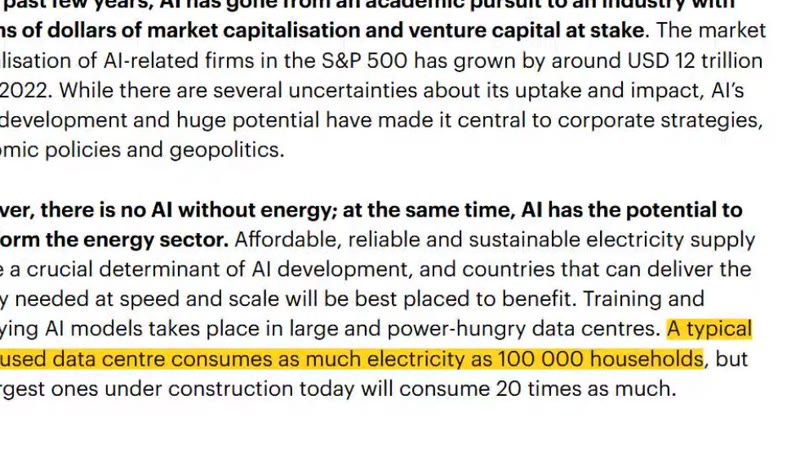
Facts shown on the real page
State a fact and Genivio records the actual article, report or PDF, highlights the exact quote and credits the publisher.
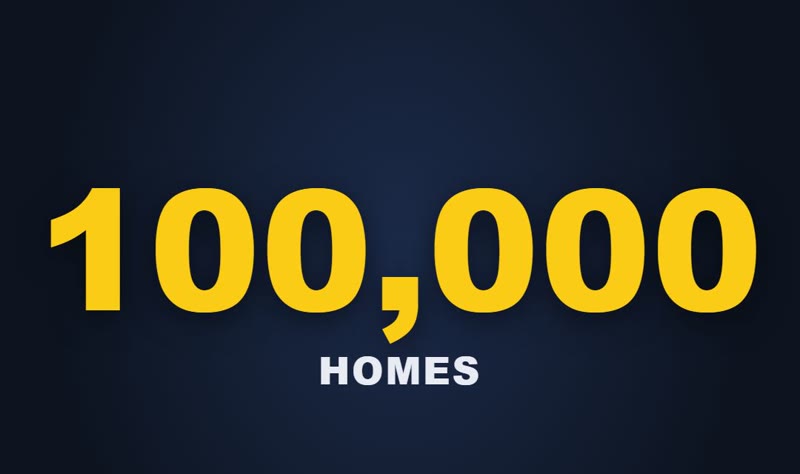
Graphics built for the line
Numbers count up and comparisons build, following what your narrator says.
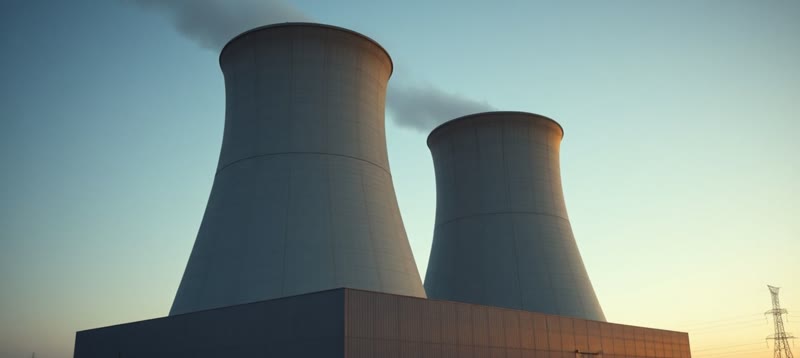
AI only where nothing real fits
A generated image fills a shot only when no real footage matches the line.
Three steps.
Your part takes a few minutes. Genivio's part takes about 30 to 40 minutes on its own, and you don't need to watch it.
Bring an idea or a script
Pick your niche for trending topics, or paste a script you wrote. Add the articles behind your facts if you want them shown on screen.
Genivio builds it
Planning runs on your own Claude Pro or Max plan through Anthropic's official Claude Code app, or on your own Google AI key. It finds licensed footage for each line, makes an AI image where no footage fits, and narrates it for free on your PC, or in one of Google's 30 natural voices if you prefer.
You publish
A finished 1080p video with captions, music and sound, plus every scene as its own clip and separate audio stems, if you like to polish it in your own editor.
Your Claude plan, or a Google key.
Genivio plans your video with an AI you already have. Pick whichever suits you, and switch any time in Settings.
Have a Claude Pro or Max plan?
Genivio uses it through Anthropic's official Claude Code app. $0 per video, within your plan's normal usage.
No Claude? Use Google Gemini
Paste a free Google AI key from Google AI Studio and Genivio plans with Gemini instead. The free tier works, at Google's pace: planning takes a few minutes longer, and a long video may pause until the next day's allowance. For no waiting, we recommend a $5 prepaid top-up in Google AI Studio. That covers roughly 20–40 Shorts, and when it's used up it simply stops: no surprise bill.
Want a more natural voice?
Tick Natural voice to narrate with one of Google's 30 voices, in Hindi, English and 100+ languages, for about $0.01–0.02 (₹1–2) per Short on your Google key (a free key suits Shorts; long videos need billing on). Or keep the free voice on your PC.
The other things it does.
- Long videos or Shorts. 16:9 for YouTube, or a vertical 9:16 Short with bigger captions and faster cuts.
- Shorts from a long video. One click cuts the hook, the best moments and the ending into vertical Shorts.
- Topic ideas. Pick a niche and get current topics from a live web search, each with a source you can check.
- Titles, thumbnails, description and tags, ready to paste into YouTube.
- Your own photos and clips. Upload them and they land on the lines that mention them.
- Your own voice. Pick a narrator, or upload your own reading and the video is cut to it.
- Captions. Burned in, or as an SRT file for YouTube.
- Editor-ready. Every scene as its own clip, plus separate voice, music and effects tracks for CapCut, Premiere Pro or DaVinci Resolve.
Next in line: new video styles: Stickman, Paper cut-out and Doodles, and many more after that. The first ones arrive in the free updates that come with every purchase.
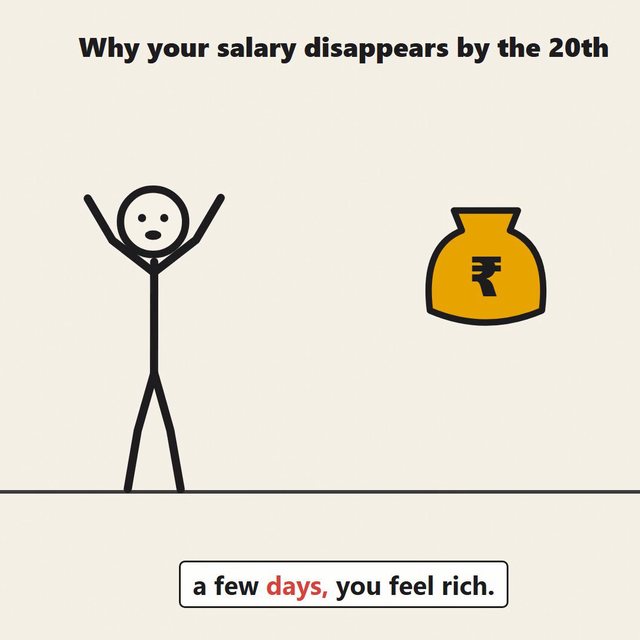
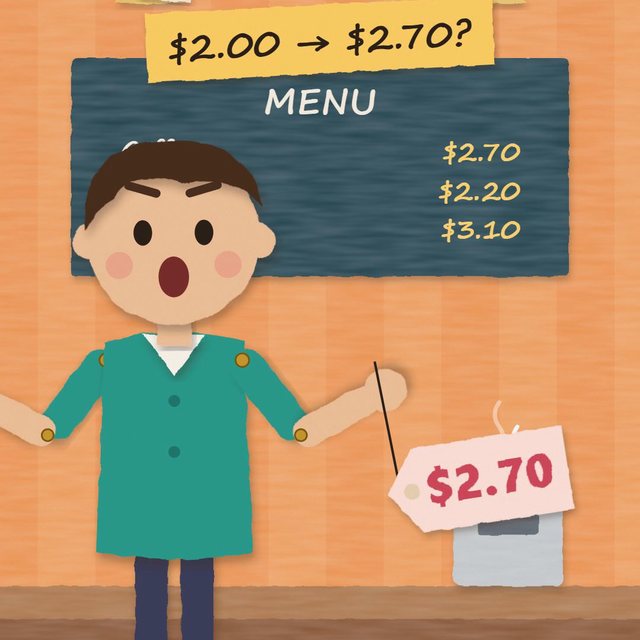
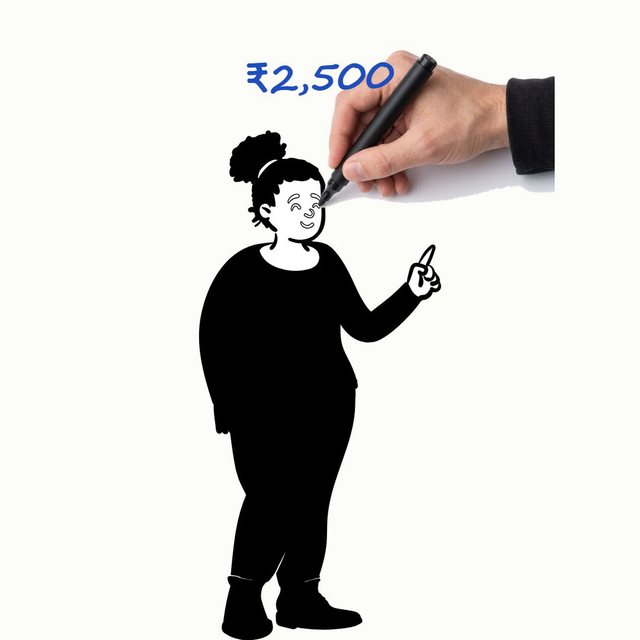
Frames from our own test videos in each style. Not in the app yet.
Made with Genivio.
Real videos, made from a script with Genivio.
Full-length videos
Your clips. Your voice.
- Our own screen recordings, added with + Add your own images/clips. Genivio placed each one on the line that talks about it.
- Our own narration, recorded once and added with Use my own recording. Genivio cut it to the shots.
- Everything else (stock footage, animations, captions and the render) by Genivio.
The same works for a course lesson, an app launch or a client video.
…and many more videos made with Genivio.
Photo credits: “Sachin's 100 hundreds”
Not affiliated with or endorsed by Sachin Tendulkar, Virat Kohli or the BCCI. Photos from Wikimedia Commons, used under their licences; some are cropped.
- Sachin celebrates reaching a milestone and Sachin prepares to bat, Pulkit Sinha, CC BY-SA 2.0
- Sachin Tendulkar, Privatemusings, CC BY-SA 4.0
- Sachin Batting, vijay chennupati, CC BY 2.0
- Master Blaster at work, Vikas, CC BY 2.0
- Sachin Tendulkar at the MCG, Flying Cloud, CC BY 2.0
- 100 bats for 100 centuries, DesiBoy101, CC BY 4.0
- Bharat Ratna, 2014, President's Secretariat, Government Open Data Licence – India
- Virat Kohli after his century at Trent Bridge, Dun.can, CC BY 2.0


Licences: CC BY 2.0 · CC BY 4.0 · CC BY-SA 2.0 · CC BY-SA 4.0 · GODL-India
Hi, I'm Girija.
I have been trying to get my hands into content creation, but one thing kept holding me back: time. To create one good video, you need a really good script, then A-rolls and B-rolls, stock footage, AI images, AI videos, and facts with screen recordings. Once all of that is gathered according to the story, the last step is to put it all into a video editor, where you spend most of your time correcting and adjusting visuals, sound, music, SFX, background music and what not.
I know what it takes to create one good video. That's why I am here to solve this problem for people like me, so they can spend their time on their hobbies and on learning new things, not just on editing every weekend.
Apart from this, I am a tech enthusiast, a mother, and I simply love art.
I am sure we will make this product great together with your feedback, and keep learning. Once you use it, there's no going back to manual. Try it once, and I'm open to feedback: contact@genivio.online.
See you!
Girija · Pune, India · Genivio by Infinite Leverage Studio
Team

What a video costs to make
On your Claude plan: $0 per video, within your plan's usage. With your own Google AI key, at Google's current prices:
Google's free tier costs $0 (slower). Genivio shows the estimate before every video; AI images add a few cents on your own Pollinations account.
What people say.
Pay once.
No subscription and no credits. Every option is the full app; they differ only in how much help you get setting it up.
Genivio + PDF Guide
- The full Genivio app
- Step-by-step illustrated install guide
- Email support
Genivio + Video Guide
- Everything in Genivio + PDF Guide
- Screen-recorded walkthrough of the full setup
- …and of making your first video
Genivio + Personal Setup
- Everything in Genivio + Video Guide
- Live one-to-one session, up to 60 minutes, in a slot you pick from our calendar
- We set it up on your PC together and make your first video
Not sure yet? Try Genivio free.
7 days, 2 videos, on your own PC. Free videos end with a short "Made with Genivio" card; the editing pack comes with a purchase. You'll need your own Google AI key or Claude plan — the free guide shows how.
You'll need: a Windows 10/11 PC, and your Claude Pro/Max plan or a Google AI key (free or paid), plus free Pixabay and Pollinations accounts. Details
All tiers: licence for one computer (move it anytime) · current version + next 3 updates · email support
Prices include tax: what you see is what you pay · Payments by Dodo Payments, our merchant of record · Pay in ₹ with UPI or Indian cards · 14-day refund policy
Runs on the PC you already have.
Set up once, in 20–30 minutes. Most of that is the installer working on its own.
Questions people ask.
Do I have to put a card on my Google key?
No. A free Google AI key works without one, and with a Claude plan you need no Google key at all. A card only makes Gemini faster. If you add one, use Google's prepay: top up a small amount, such as $5, in Google AI Studio, and when it is used up the key simply stops until you top up again. Google bills you directly: Genivio never sees your card, and your key stays on your PC.
Can I use Google Cloud's welcome credit?
Yes, if you have it, though it's entirely optional. New Google Cloud accounts often come with a welcome credit (currently $300 for 90 days). Paste a Google Cloud key in Settings and Genivio spends that credit on planning, the natural voice and AI images, until it runs out or expires. You don't need it: your Claude plan or a free Google AI key works just as well.
Do I pay you for AI usage?
No. Planning uses your own Claude subscription or your own Google AI key, and images use your own Pollinations account. We never resell AI usage.
Is it fully automatic?
It produces a complete video on its own. Most creators then review it and make small edits before publishing, which is why you also get every scene as a separate clip.
Can it make Shorts only?
Yes. Choose "Short" and paste a script of up to about 150 words; Genivio plans and renders a native vertical video.
Will my videos go viral?
Nobody can promise that. Genivio gives you well-made videos and trend-informed ideas; what an audience picks up is always partly luck and consistency.
Can I use it on two computers?
One computer at a time. Deactivate it in Settings to move it to another.
Which platforms can I post to?
Any that accept MP4 video. Long videos are 16:9 at 1080p (YouTube, LinkedIn, Facebook, X); Shorts are 9:16 at 1080×1920 (YouTube Shorts, Instagram Reels, TikTok, Facebook Reels). Check each platform's own rules on labelling AI-generated content.
Can I monetise the videos?
Yes, they're yours. Stock clips come from Pixabay (and Pexels, if you add a key), whose licences allow commercial use; the music and sound effects that ship with Genivio are CC0; AI images and narration are made on your own accounts under those services' terms. Whether a platform pays you is up to its own programme, such as the YouTube Partner Program, and each platform has its own rules for labelling AI content.
Mac or Linux?
Windows only for now.
What if it doesn't work on my PC?
Email us and we'll help. If we can't get it running, you get a full refund within 14 days.
Can I get a refund if I just don't like it?
No. The refund covers Genivio not running on a supported PC, not a change of mind. That's why every example on this page is real Genivio output (the one marked "polished by hand" was finished in an editor afterwards, which you can do with the clips Genivio exports): watch them and the product video before you buy, and email us any question first.
Anything else? Write to us.
Questions before or after buying? Email contact@genivio.online. We reply within 2 business days.